Shopping App · Developer

The best of both worlds.

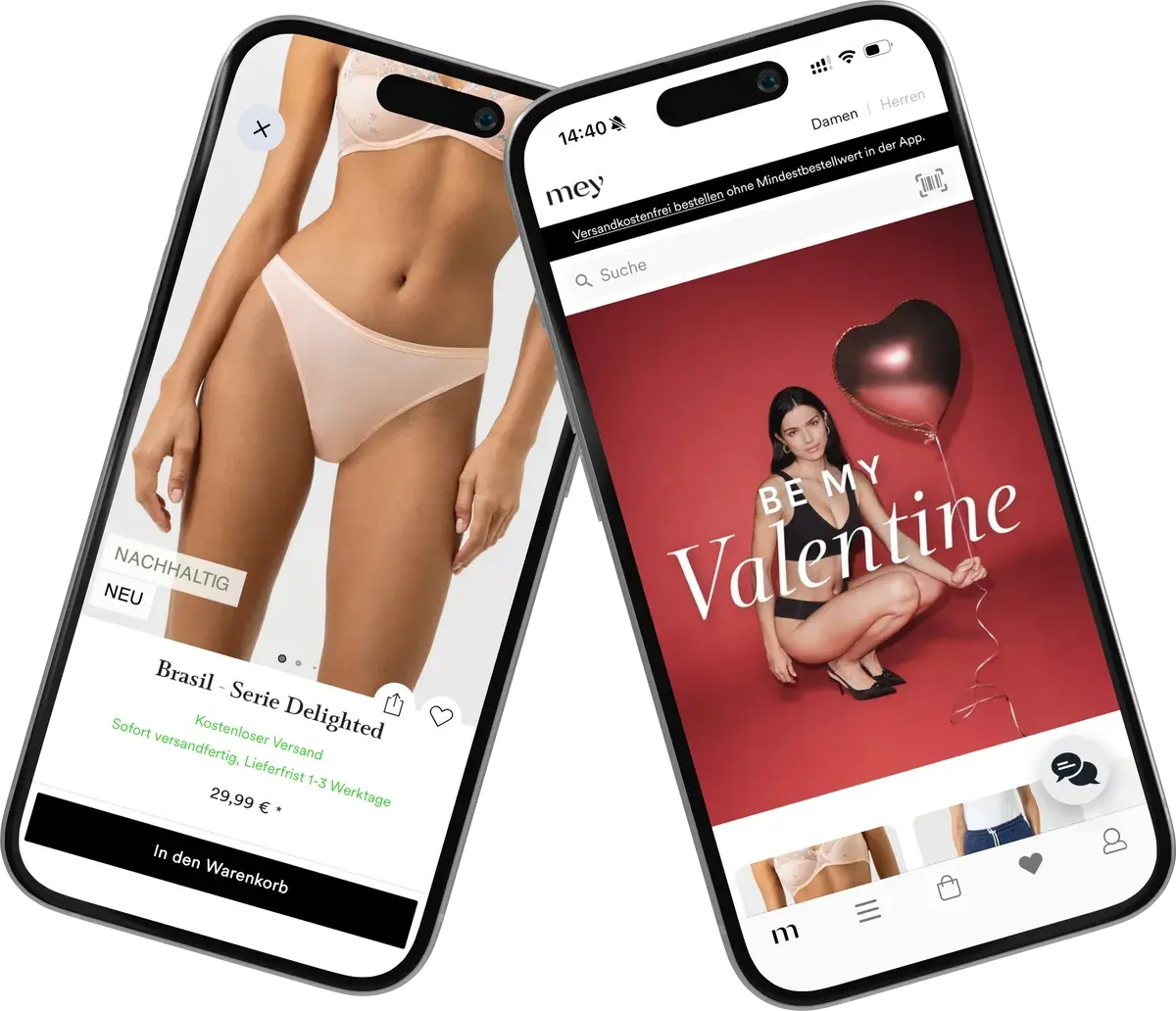
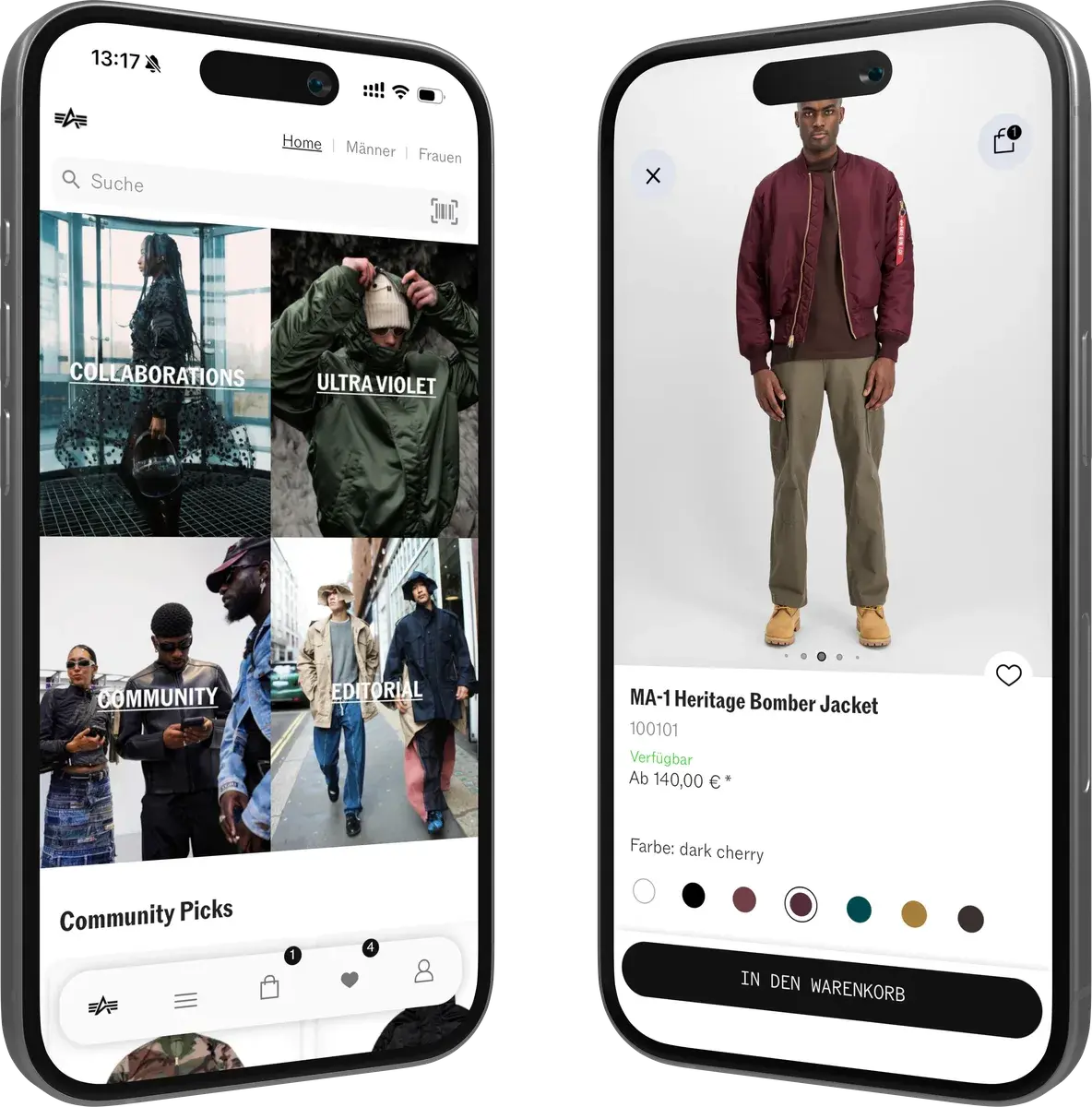
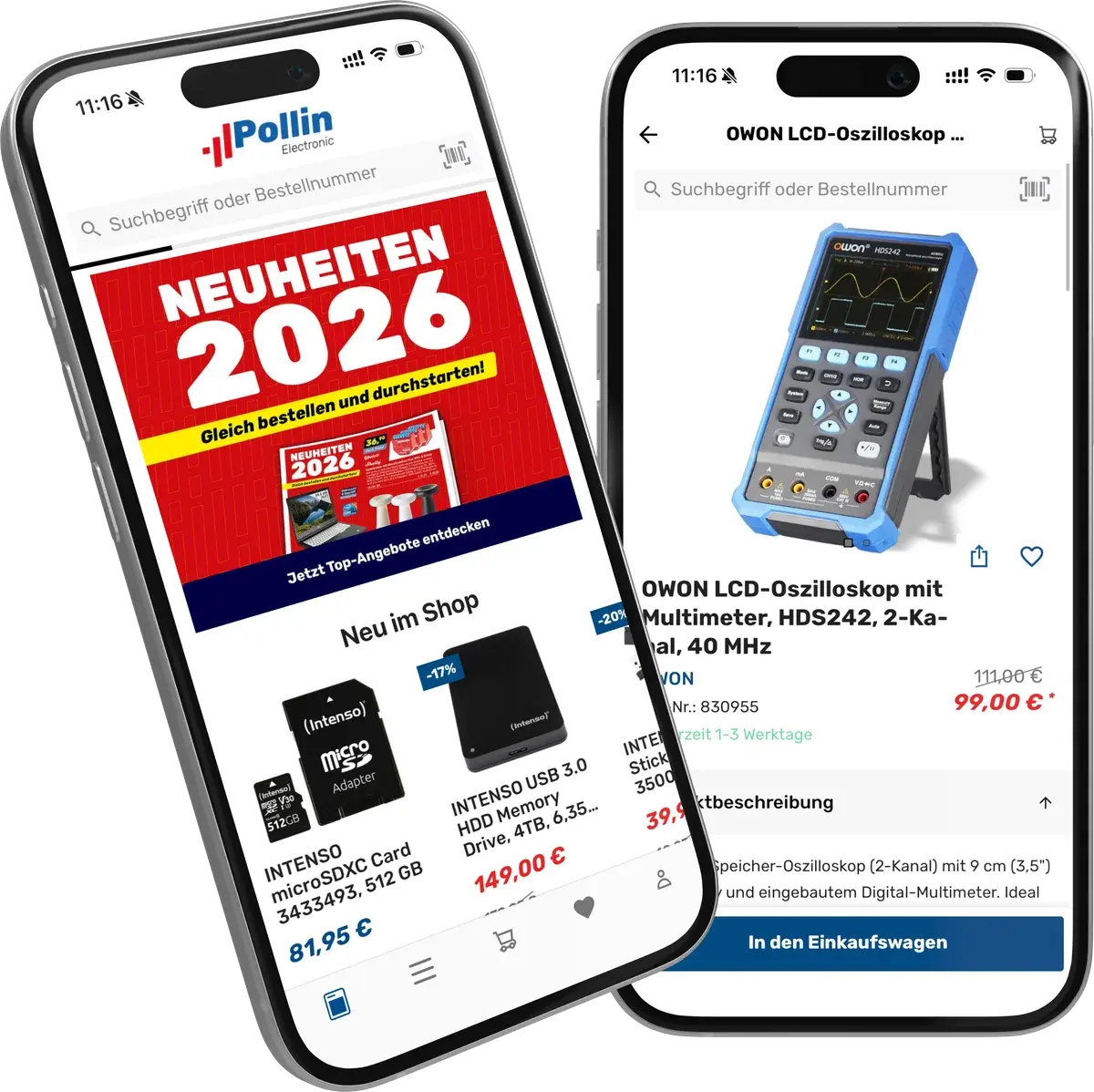
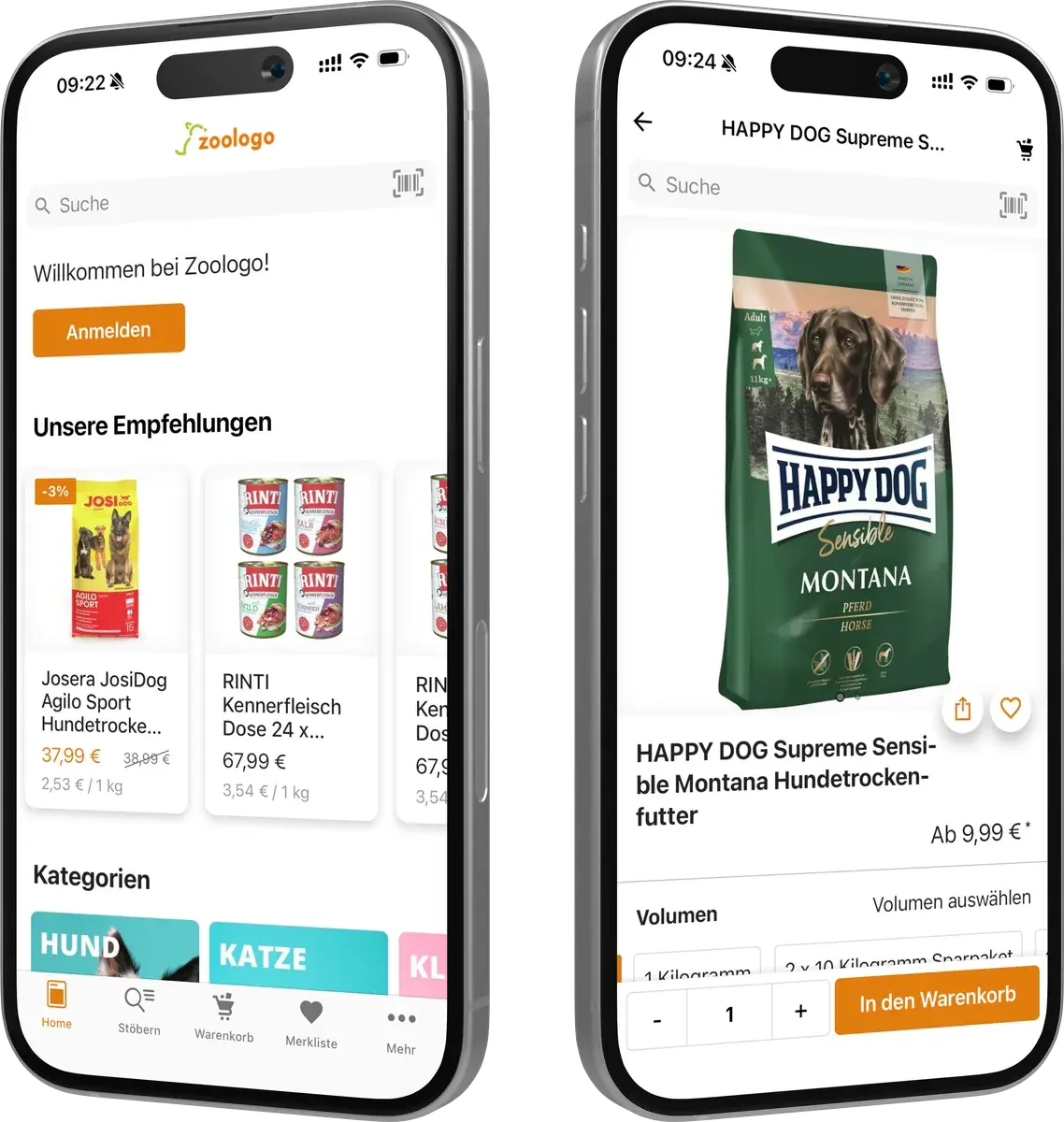
A proven app platform: more than 35 million app downloads, 4.8 stars on average in the App Store. Freely extensible with code and AI.

These retailers rely on Shopgate.

SportSparCamp DavidPollinemmi nailWunderlichMeyBARFER’SGearparts24zoologoAlpha IndustriesGlobal ExtendTeeGschwendnerAna AlcazarWÖHRLSØRAnimonda
01 · Tech stack

Modern. And familiar.

Apps for iOS and Android, built with web technologies your team already knows. Open source on GitHub.

React and Redux on the front end.

Themes, components and portals in React. Native features through a promise-based API.

// frontend/ProductCard/index.jsx import { connect } from 'react-redux'; import { isOnlineOnly } from '../selectors'; + import OnlineBadge from '../OnlineBadge'; const ProductCard = ({ product, onlineOnly }) => ( <Card> <Title>{product.name}</Title> - <Price value={product.price} /> + <Price value={product.price} highlight /> + {onlineOnly && <OnlineBadge />} </Card> ); export default connect((state, { product }) => ({ onlineOnly: isOnlineOnly(state, product.id), }))(ProductCard);

Native modules.

Called right from React.

  • Camera
  • Barcode scanner
  • Push
  • Location
  • Sharing
  • Brightness
  • In-app browser
  • Status bar
  • Connectivity
  • Braze
  • Firebase Analytics
  • …
20+

Portals.

Add, replace or remove components without forking the theme.

300+

Node.js on the back end.

Pipelines and steps connect the app to your data sources.

// extension/steps/addOnlineOnly.js // Hook: afterFetchProducts const axios = require('axios'); module.exports = async (context, { products }) => { const { erpUrl, erpToken } = context.config; const { data } = await axios.get(`${erpUrl}/online-only`, { headers: { Authorization: `Bearer ${erpToken}` }, }); const ids = new Set(data.productIds); return { products: products.map(p => ({ ...p, onlineOnly: ids.has(p.id), })), }; };
npm i -g @shopgate/platform-sdk
sgconnect login
sgconnect init --appId shop_12345
sgconnect extension create frontend --extension @acme/brand-story
sgconnect frontend start
localhost:8080 · hot reload
sgconnect extension upload
02 · Developer Tools

Build locally. See it live.

01

Install the SDK.

The Shopgate Platform SDK installs via npm; the command is sgconnect.

02

Connect your sandbox.

Log in, pick your sandbox app, done.

03

Create an extension.

React on the front end, Node.js steps on the back end.

04

Run it locally.

Hot reload on localhost:8080. Back-end steps run on your machine.

05

Upload.

Versions go to the Developer Center and from there to your sandbox.

03 · Portals

Extend, don't fork.

Portals put your own components at named places in the app. The theme stays upgradeable.

// extension-config.json › components { "target": "product-item.name.before", "type": "portals", "path": "frontend/OnlineBadge/index.jsx" }
300+documented portals
Portals in the docs
04 · Developer Center

Everything in one place.

Docs, sandbox apps and releases.
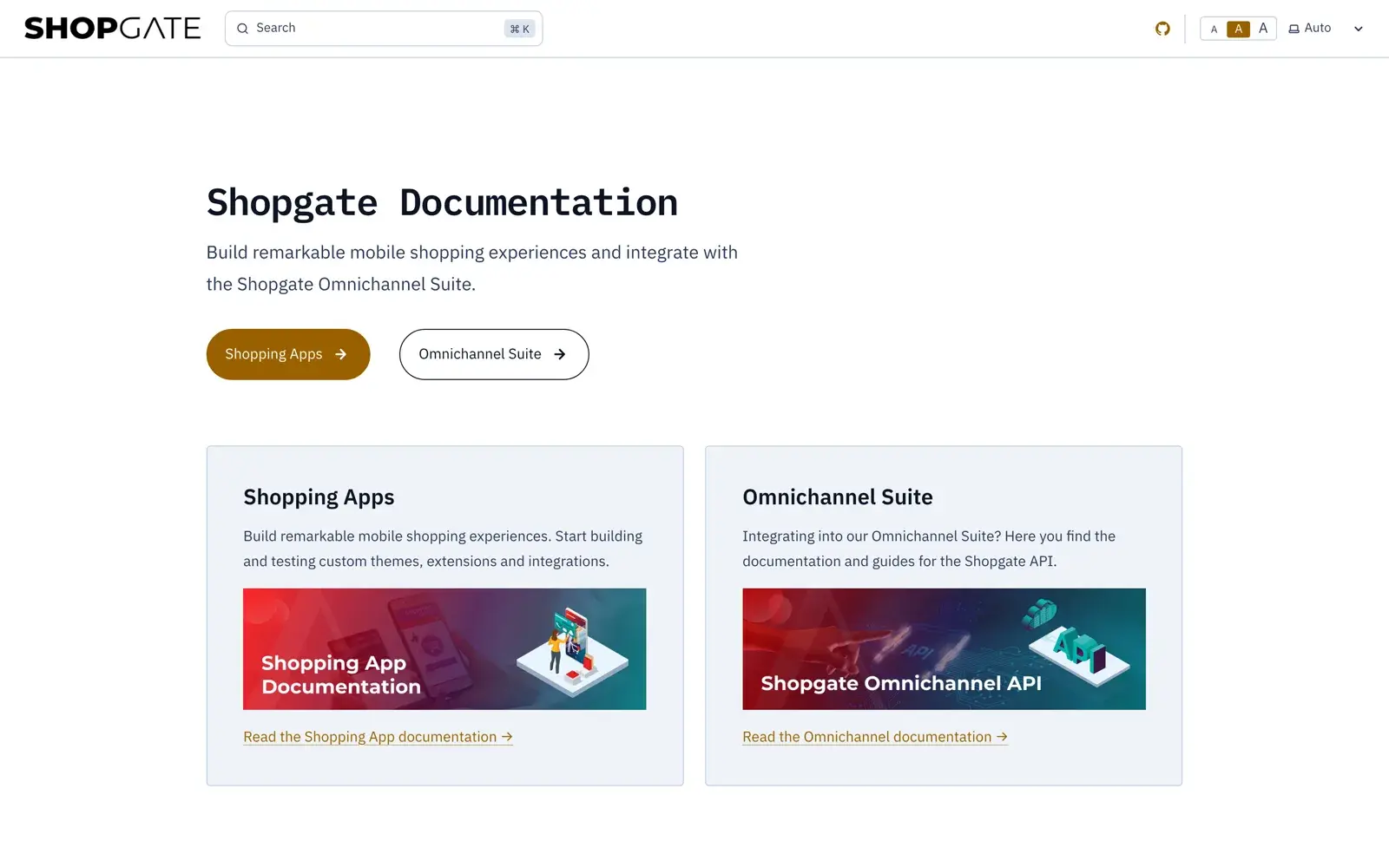
Documentation.

Guides, tutorials and API references on docs.shopgate.com.

Open the docs
docs.shopgate.com

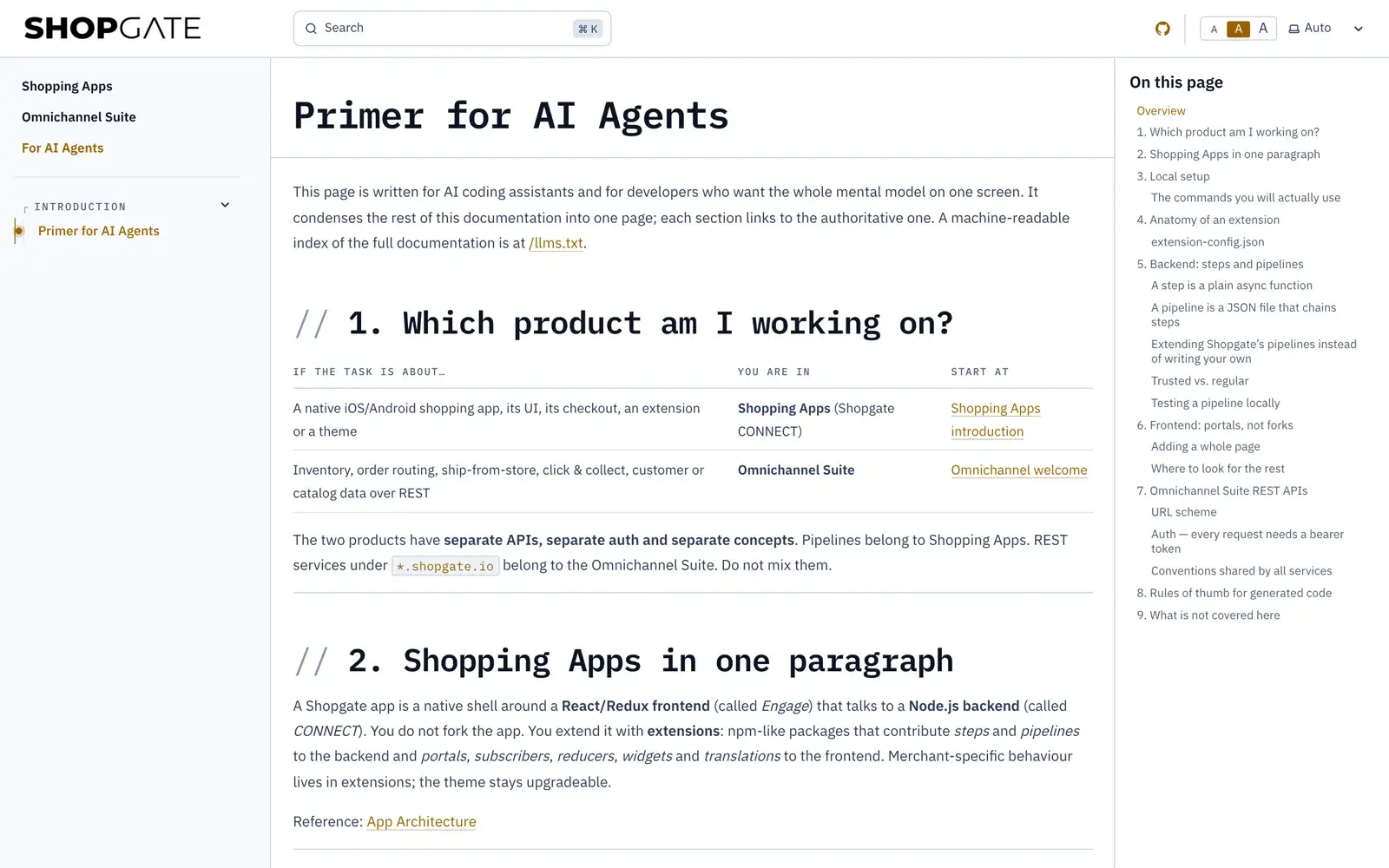
Docs for AI agents.

A primer for AI assistants and an llms.txt that maps the whole docs.

llms.txt
Primer for AI agents on docs.shopgate.com

Sandbox apps.

Register in the Developer Center, create an organization, set up sandbox apps.

Sandbox

API references.

Every endpoint with request, response and examples.
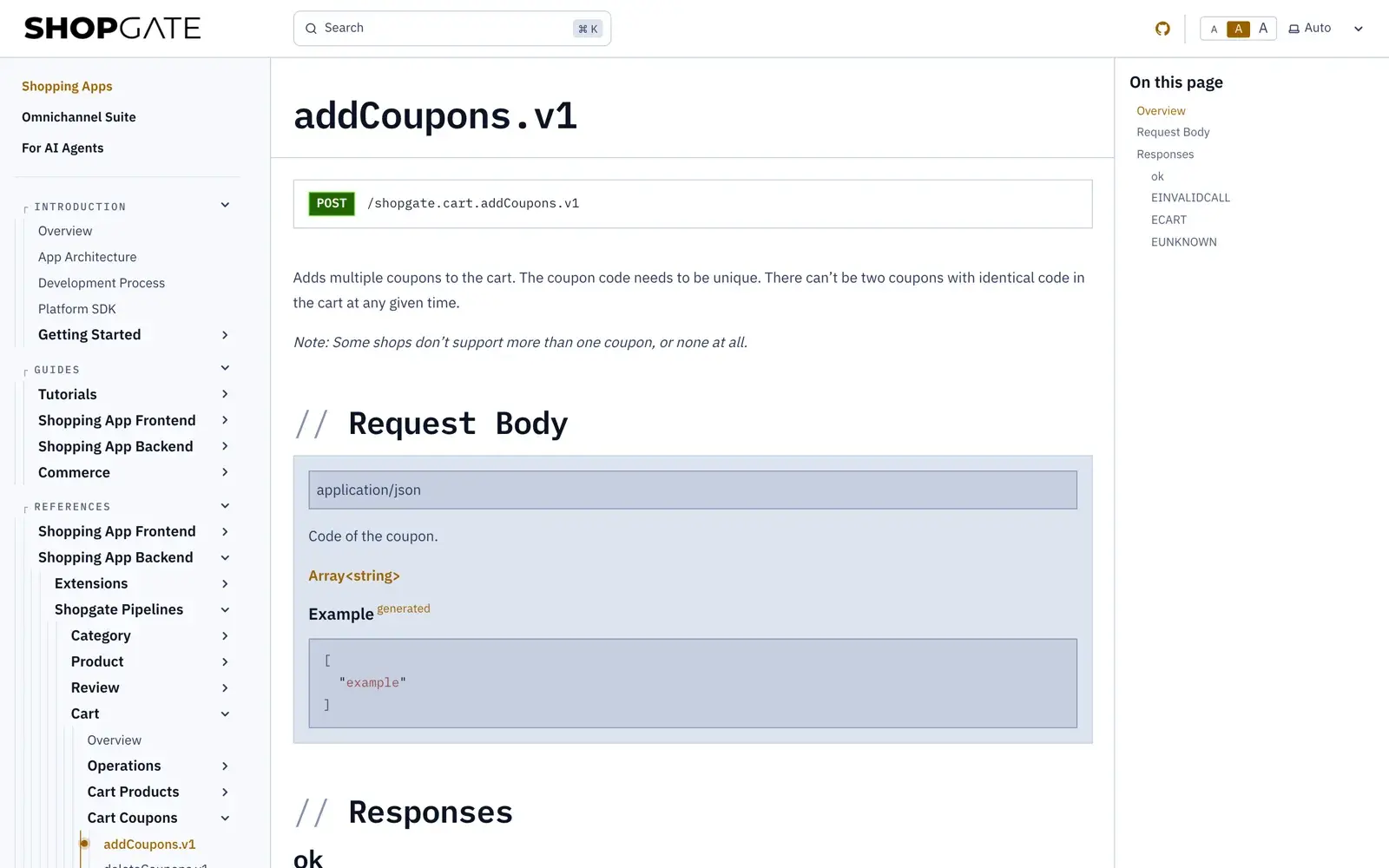
API reference addCoupons.v1 on docs.shopgate.com
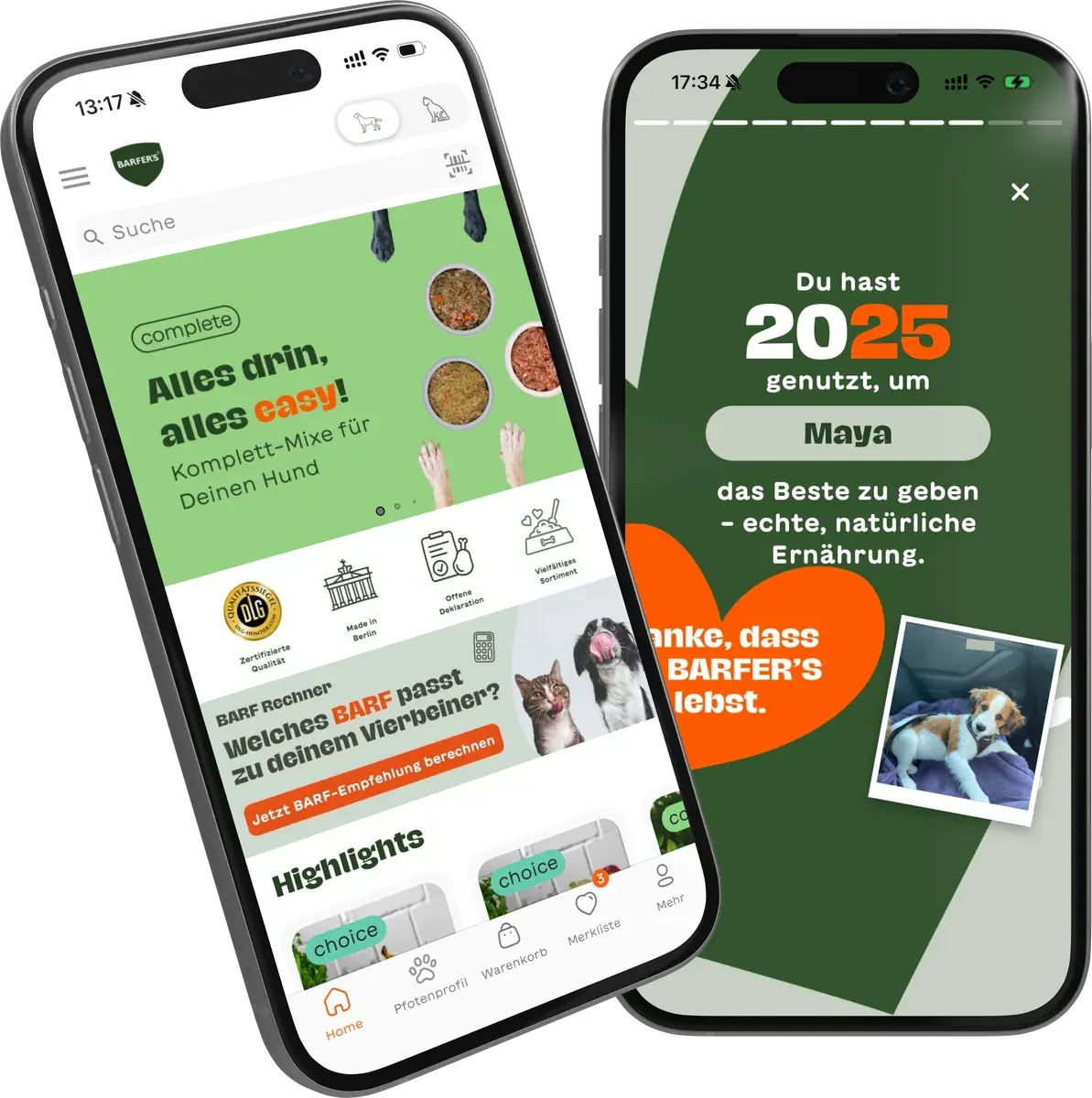
“The platform lets us go live very quickly without giving up individual requirements. At the same time, we keep the option to develop features in-house, and with it our technological freedom.”
Olga Khorkova · CTO, BARFER’S · Case study (German)
Questions

Quick answers.

Do I need Swift or Kotlin skills?

No. The app is a PWA in a native shell. You build with React and Node.js.

Will my app stay upgradeable?

Yes. You extend through extensions and portals instead of forking the theme, so the core stays upgradeable.

How do I get a sandbox?

Register in the Developer Center and create an organization. Once our partner team approves it, you can create sandbox apps.

Is there developer support?

Yes, through our ticket portal and developer-support@shopgate.com. Certified partners can also reach us on Slack.